For iPhone
A Christmas Lock Screen that twinkles
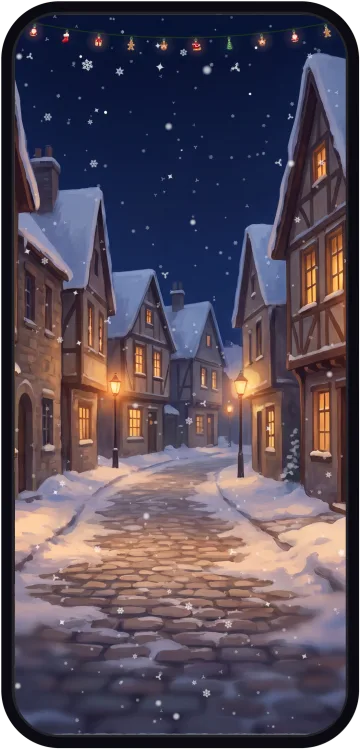
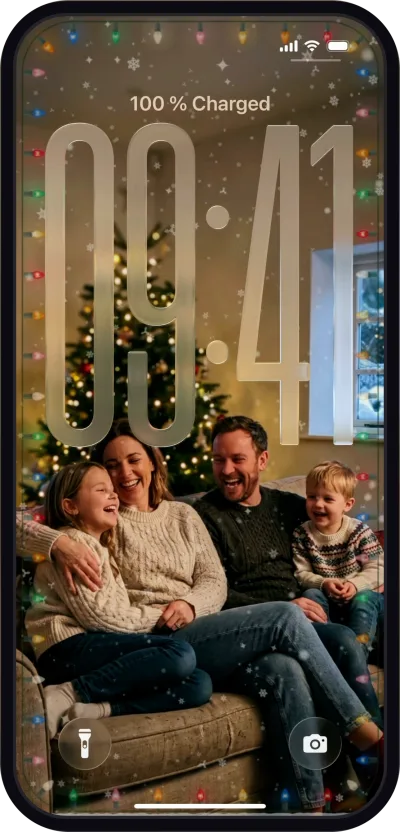
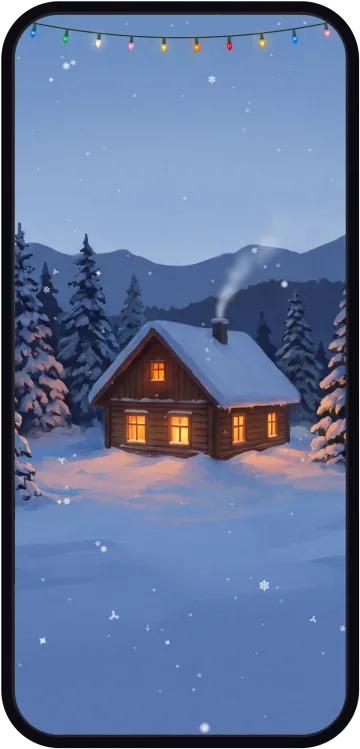
Twinkle Lights hangs Christmas lights over a painted winter scene or your own photo and creates a Live Photo of it in your photos. Set it as your Lock Screen, and the lights twinkle when your iPhone wakes.

How it works
- Tap the screen, then the Save as Live Wallpaper button.
- Open the Photos app. Open the new Live Photo. Tap Share, then Use as Wallpaper.
- Pinch it a little smaller, until the edges line up. Tap the Motion button, so it moves.
- Wake your iPhone: the lights twinkle.
iOS decides whether a Live Photo wallpaper moves. The twinkling Lock Screen is made for iPhone.
Your scene, your way
Your own photo
Pick Your photo under Background, and the lights hang over a picture of your own. Or take one of ten painted pictures.
Christmas, and every season after
Christmas, Christmas figures and White winter in several styles, then Halloween, Easter and more. You pick the season.
Snow on your Lock Screen
Switch on snow on the Weather page before you save, and it falls on your wallpaper too.
Count the days
Add the Holiday Countdown widget to your Home Screen or Lock Screen and count down to Christmas.

Merry Christmas, right on your Lock Screen