 Twinkle Lights
Press kit
Hi, I'm Joseph, the developer of Twinkle Lights. In a time full of negative headlines, I wanted to make an app that simply makes you smile. Take whatever you need from this page for your article: text, facts, pictures and clips. Thanks!
Short description
Twinkle Lights hangs twinkling lights along the top of your screen and lets snow, leaves, petals or rain fall: over your Mac's desktop, or over a painted scene or your own photo on iPhone, iPad and Android.
Description
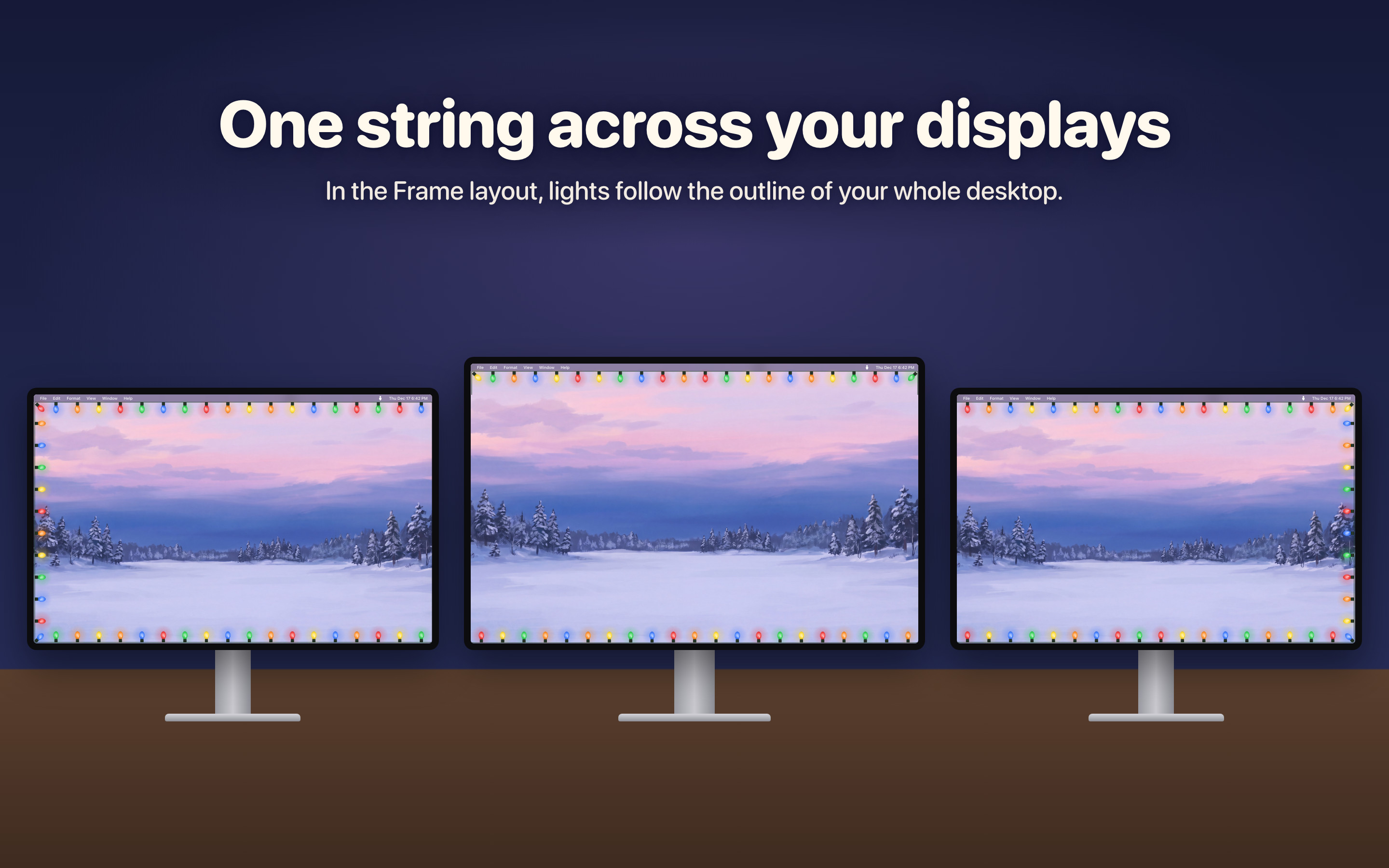
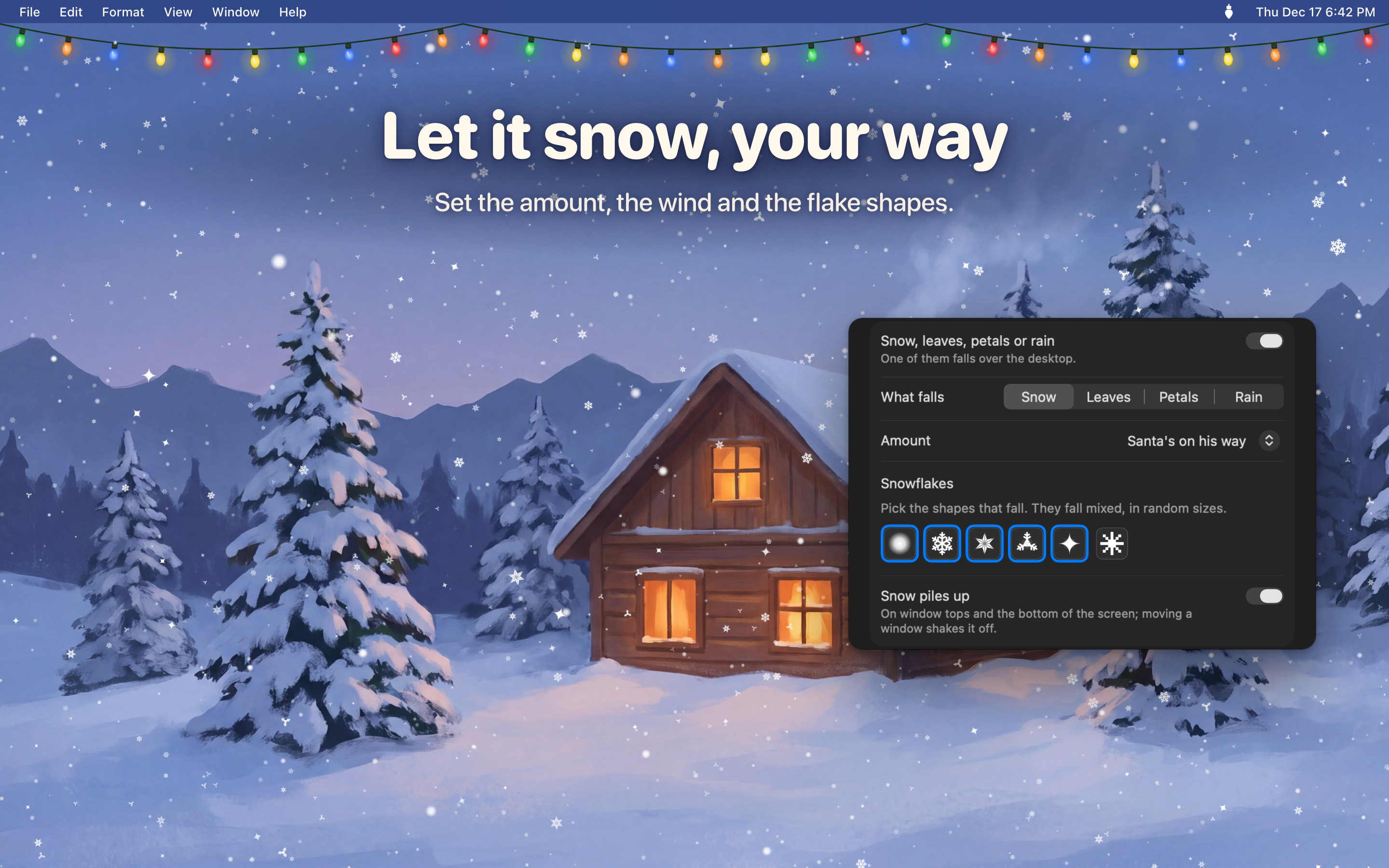
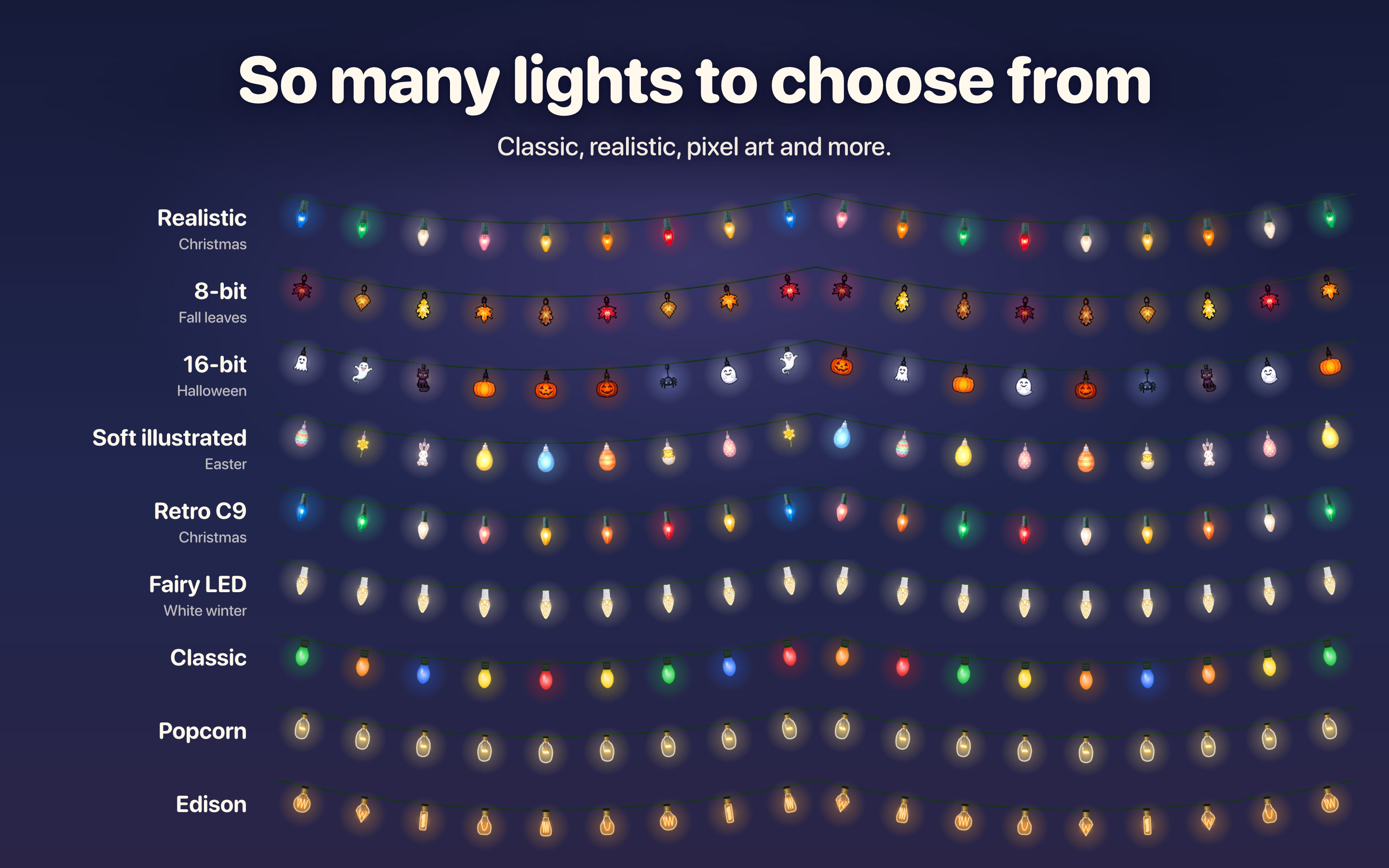
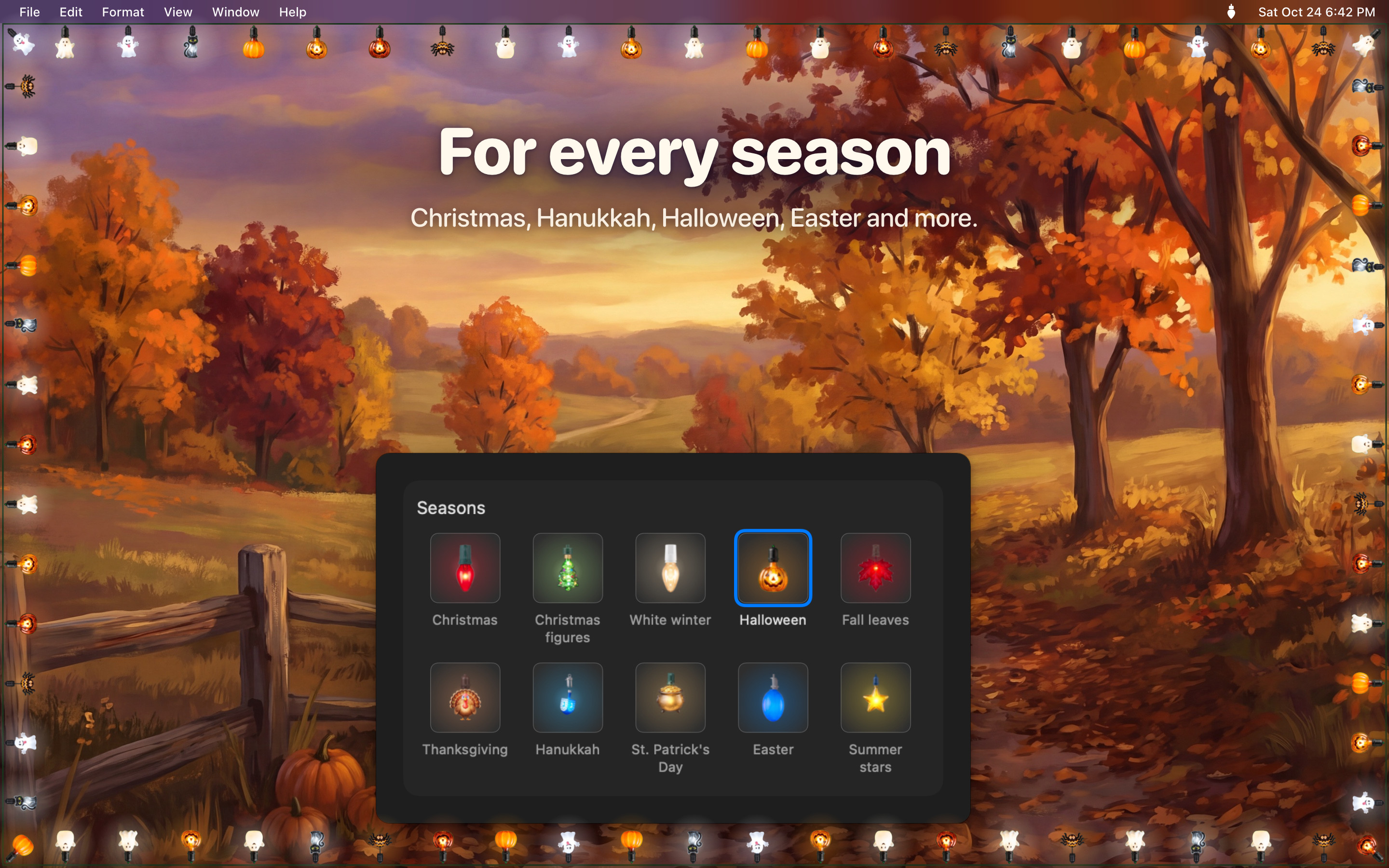
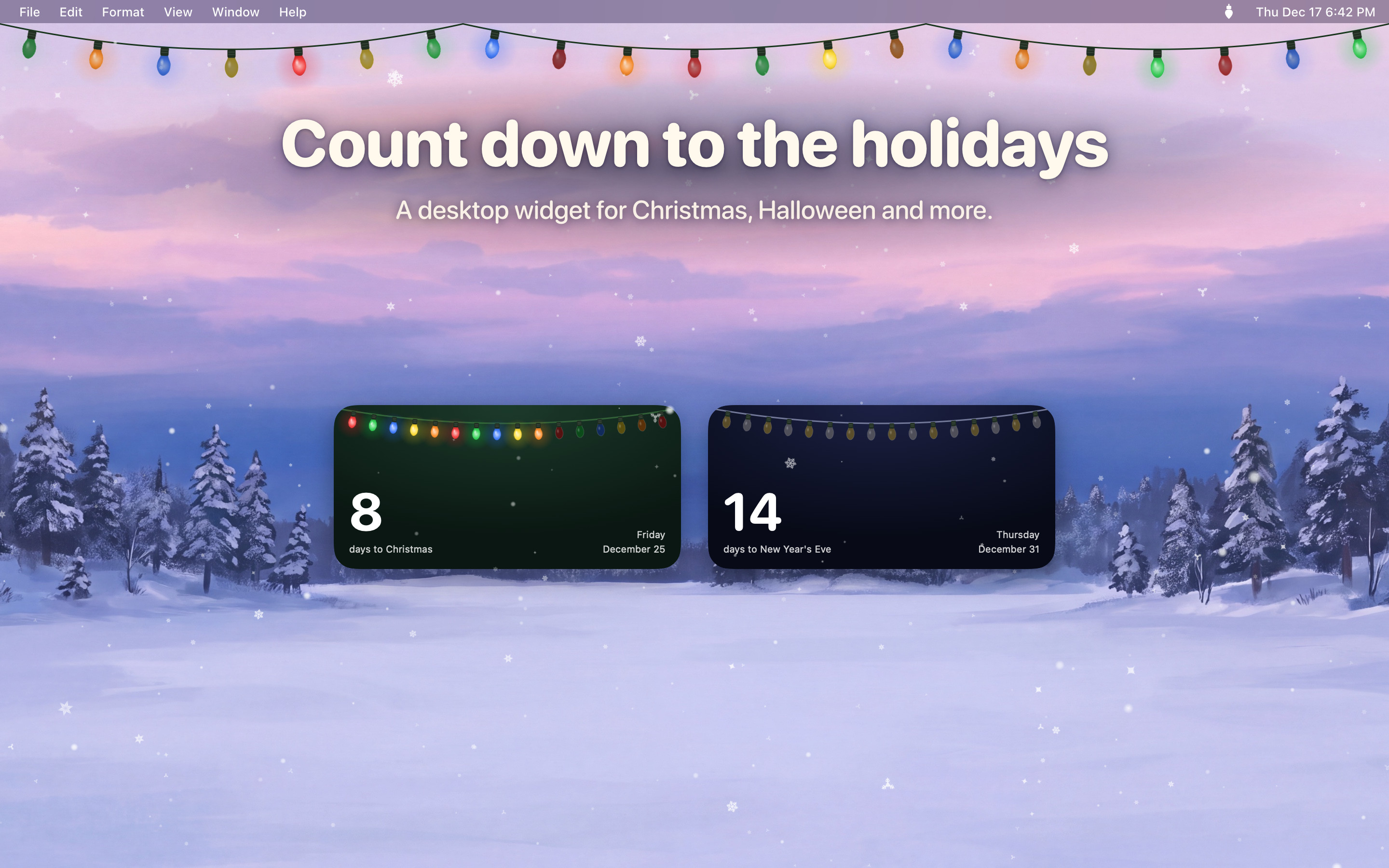
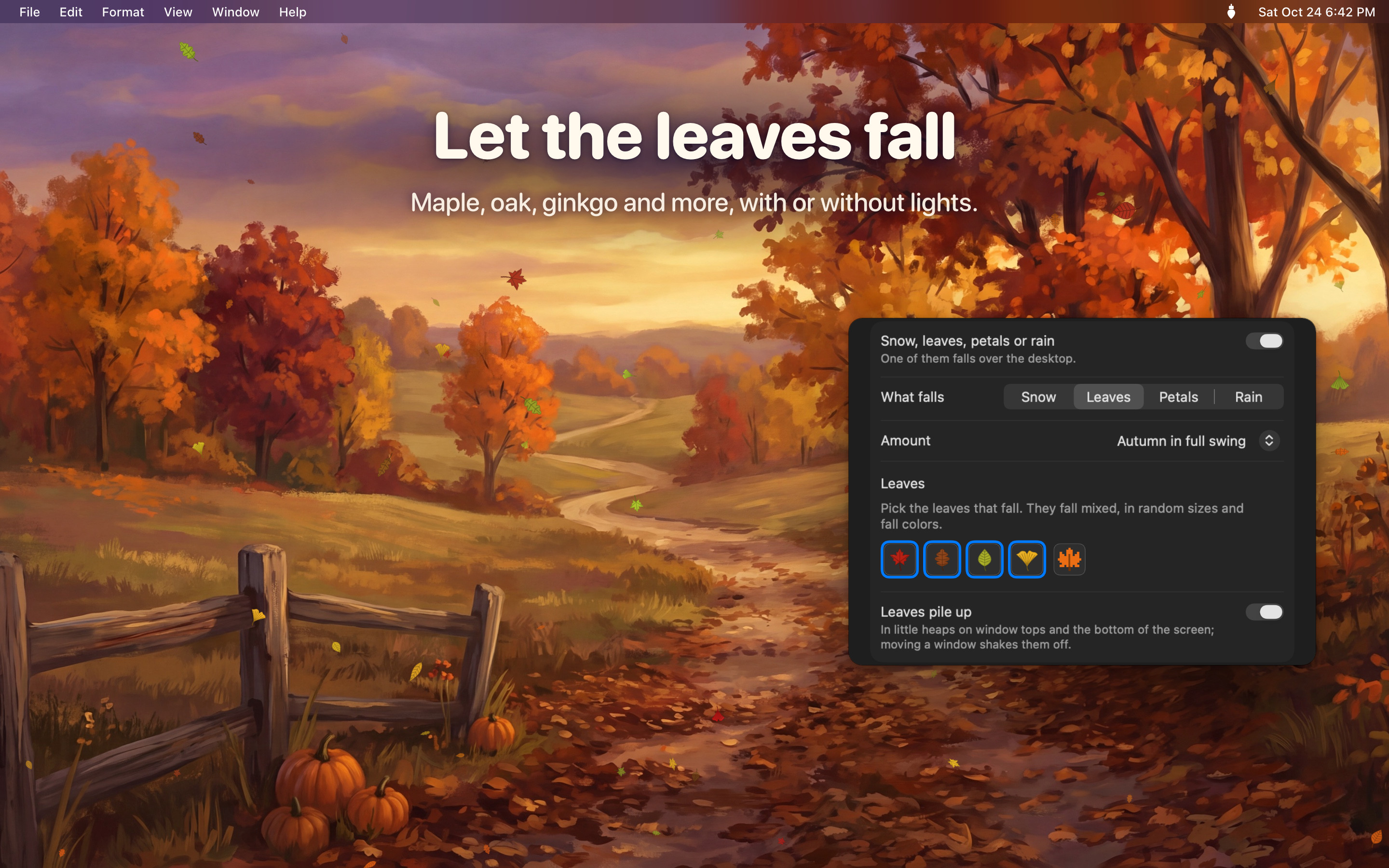
Twinkle Lights is a fun little app for Mac, iPhone, iPad and Android, made to put a smile on your face. On the Mac it lives in the menu bar and hangs a strand of lights along the top of the screen while you work, or as a frame around it, across several displays too. Pick from eleven seasons, from Christmas to Halloween, in different art styles, or classic bulbs in colors you pick. Let snow, leaves, petals or rain fall over the desktop. Snow, leaves and petals pile up on top of your windows, and moving a window shakes them off. Lights and weather never get in the way of a click. On iPhone, iPad and Android the lights hang over a painted scene or your own photo, and a tap switches a bulb off and on. On the iPhone, the scene becomes a twinkling Live Photo for your Lock Screen, and on Android a live wallpaper for your home screen. A widget counts down to Christmas, Halloween, Easter or New Year's Eve, on the Mac desktop and on the home screen of iPhone, iPad and Android.
One click selects the whole text.
Facts
- App
- Twinkle Lights
- Developer
- Joseph Keitgen, solo developer from Germany
- Publisher
- Keitgen GmbH
- Platform
- Mac with Apple silicon (M1 or later), macOS 15 or later; iPhone with iOS 18 or later; iPad with iPadOS 18 or later; Android phone or tablet with Android 9 or later and live wallpaper support
- Languages
- The app speaks 50 languages (57 with regional variants)
- App Store
- View Twinkle Lights in the App Store
- Google Play
- View Twinkle Lights on Google Play
- Website
- twinklelights.app
- Contact
- hello at twinklelights dot app
Before you record
On the Mac, Twinkle Lights hides its lights and weather from screen sharing, screen recordings and screenshots by default.
Before you record it or take screenshots, switch that off: click the bulb icon in the menu bar, choose Settings…, open General and turn off Hide from screen sharing and screenshots.
App icon
PNG, 1024 × 1024 pixels, with a transparent background.
Download the app icon (1.5 MB)
Screenshots
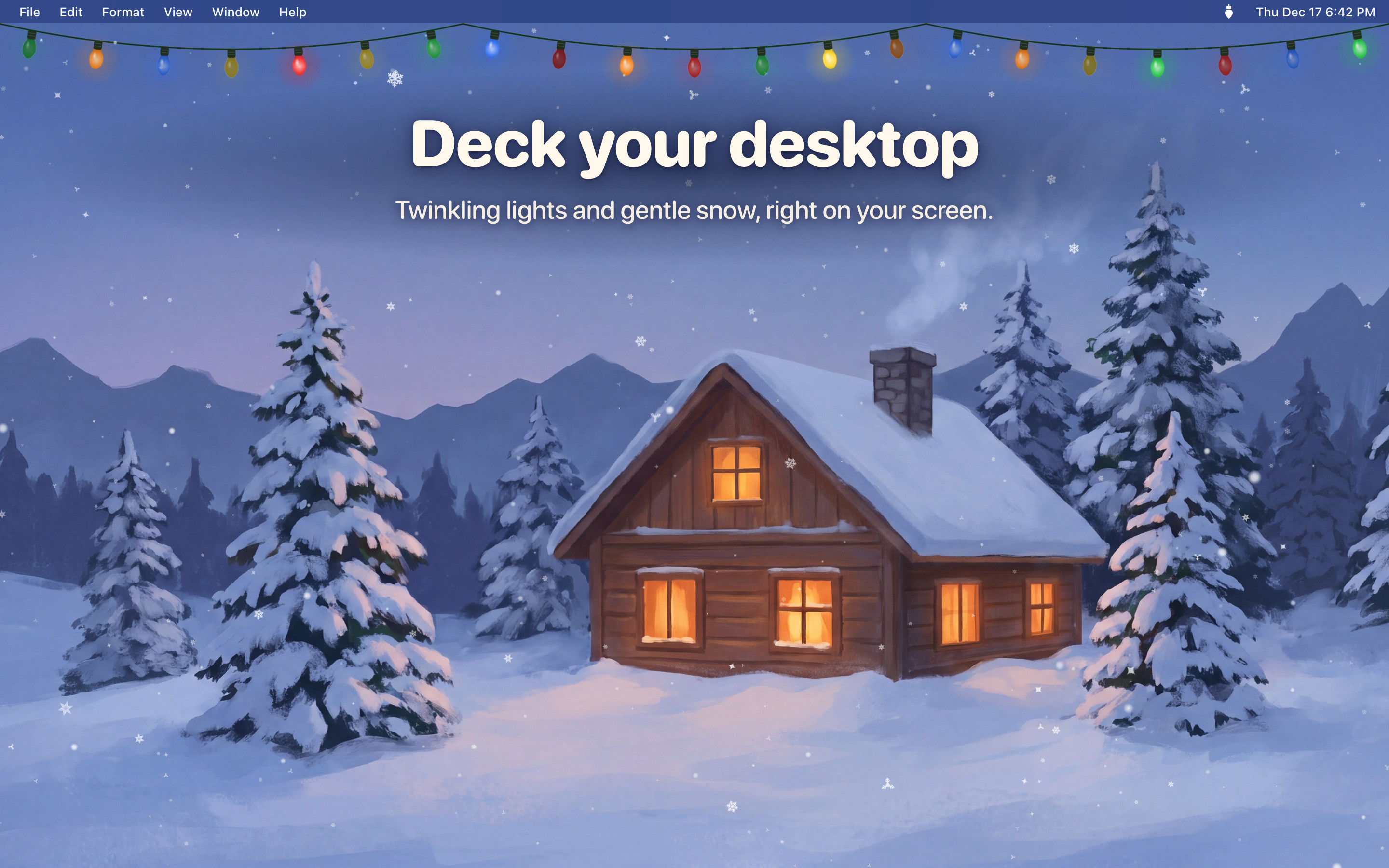
The Mac App Store screenshots, 2880 × 1800 pixels. Click a picture for the full size (JPEG, about 5 MB for all seven). The paintings behind the lights are staged: Twinkle Lights draws over your own desktop picture and comes with no wallpaper.
-
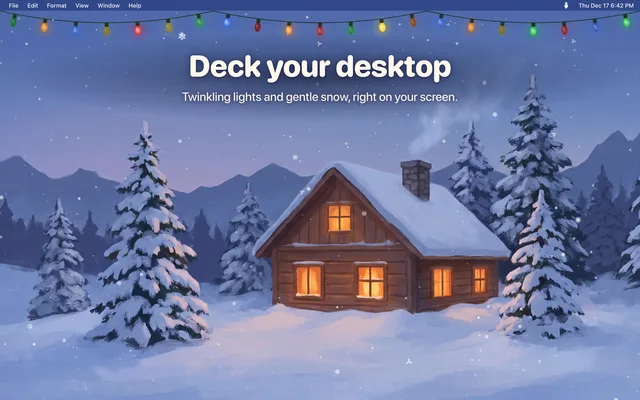
Deck your desktop -
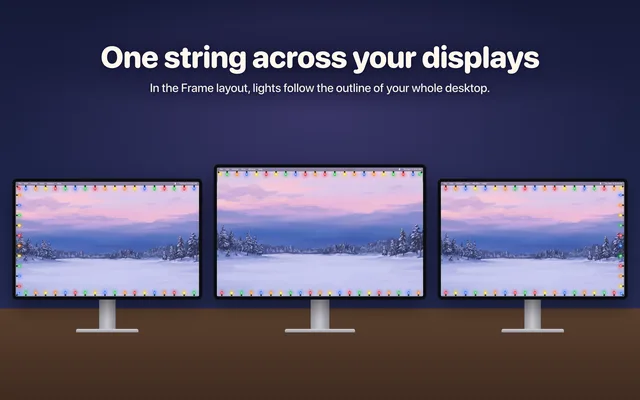
One string across your displays -
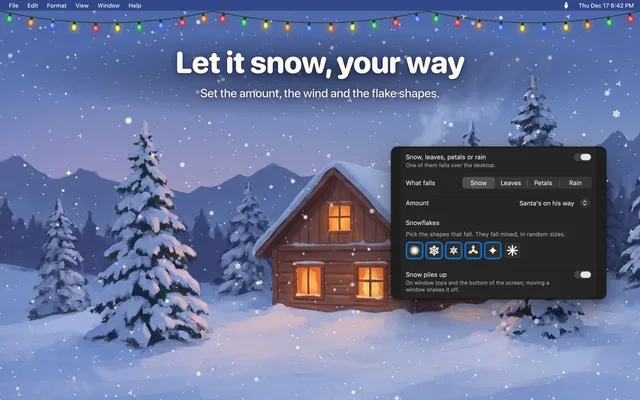
Let it snow, your way -
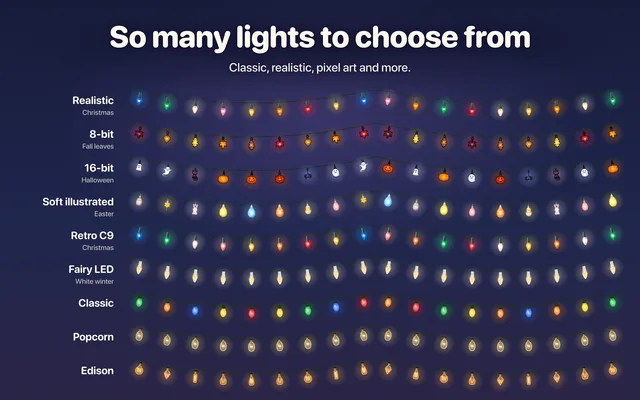
So many lights to choose from -
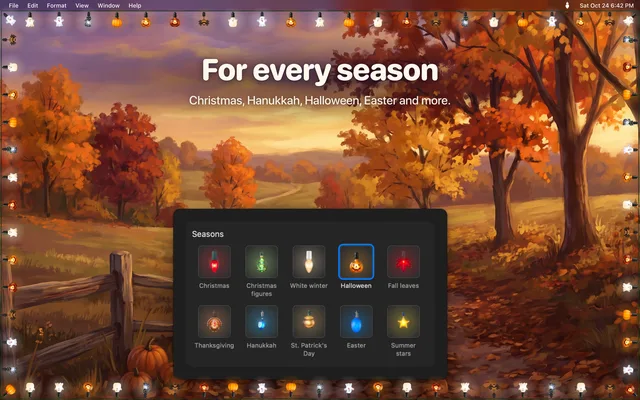
For every season -
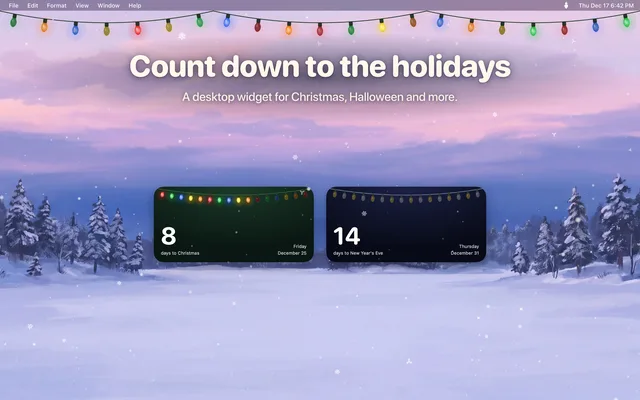
Count down to the holidays -
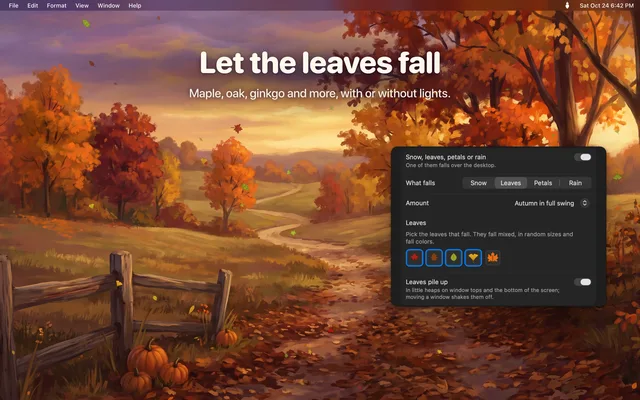
Let the leaves fall
iPhone
Twinkle Lights on iPhone, over your own photo. 1320 × 2868 pixels; click a picture for the full size (JPEG, about 4 MB for all four). The family in these pictures is AI-generated.
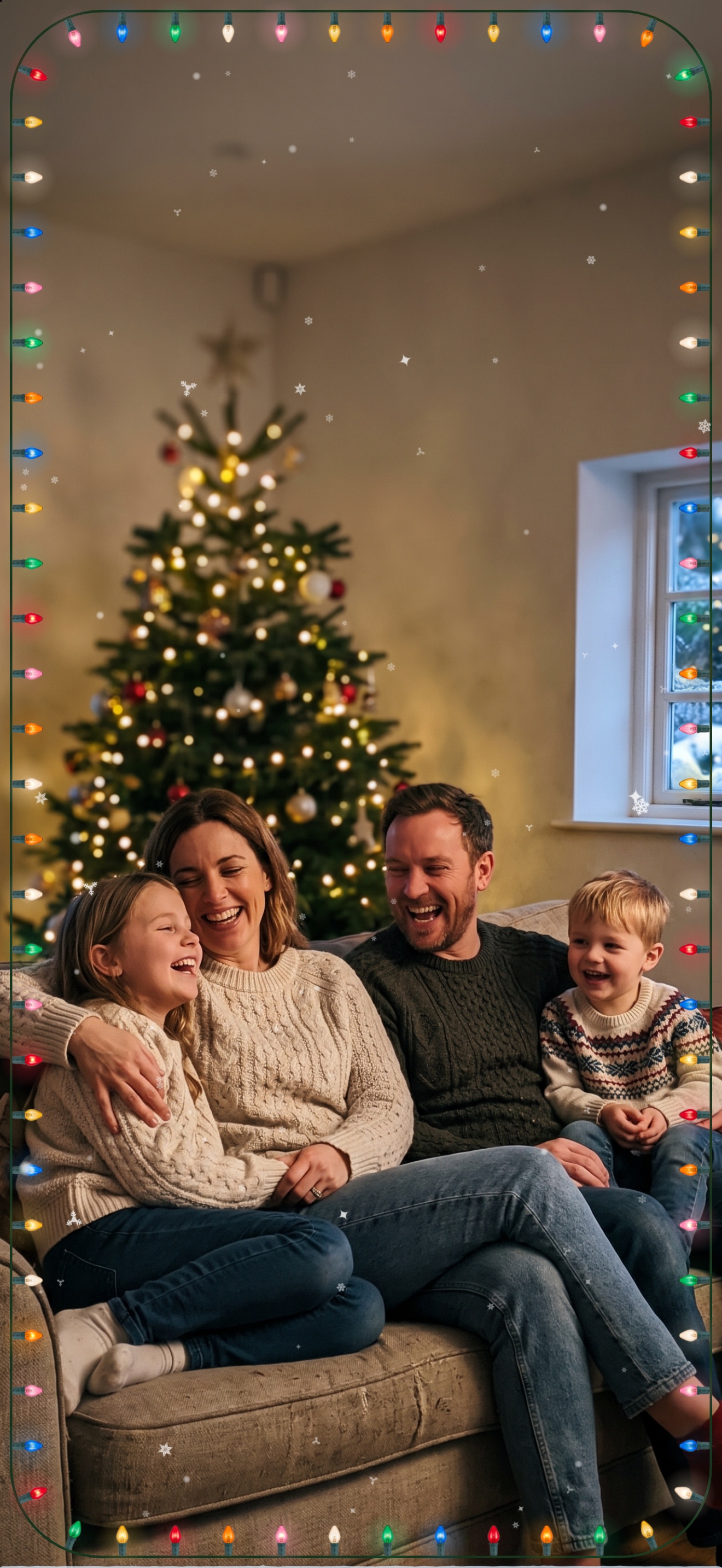
AI-generated people

AI-generated people

AI-generated people
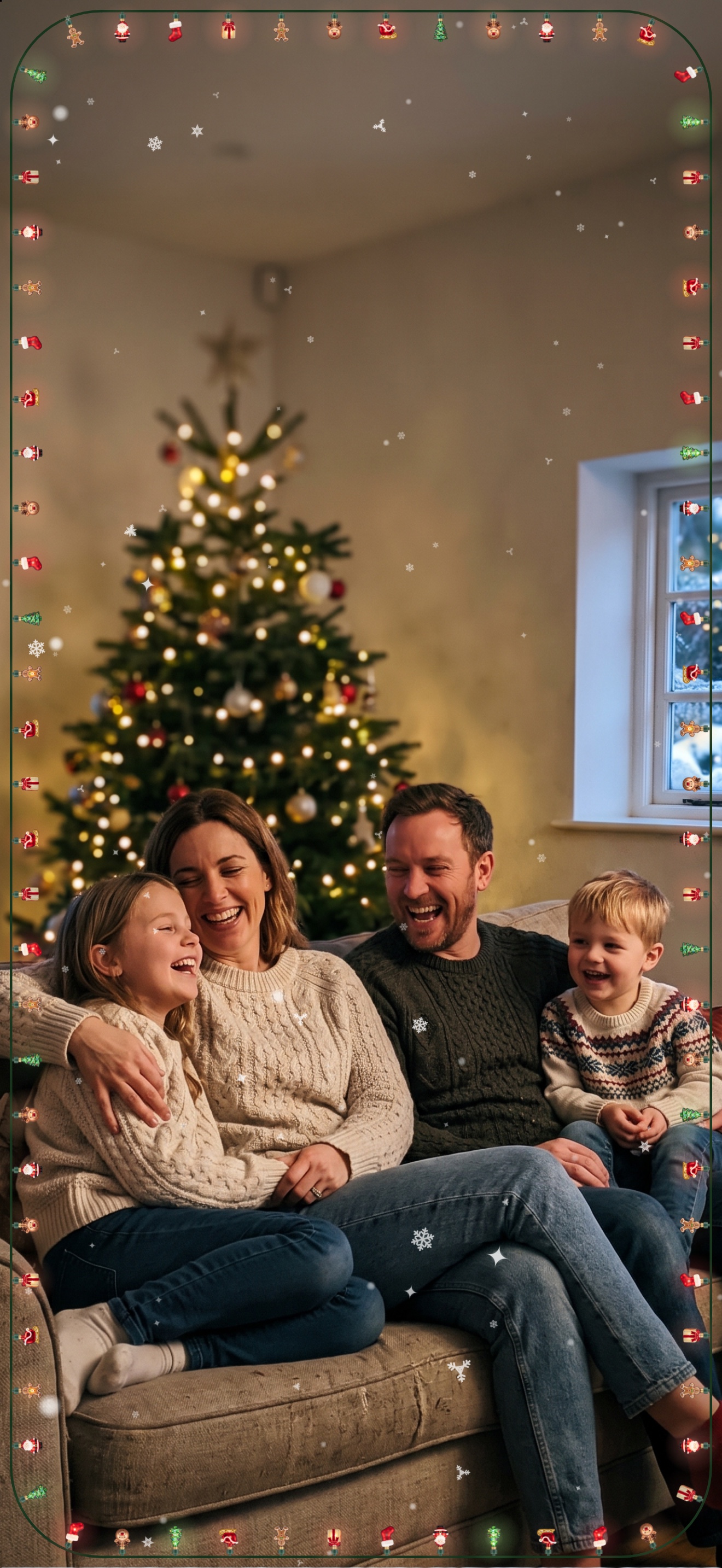
AI-generated people
Video
The 41-second video from the home page, 1920 × 1080 pixels.
Three Christmas shorts for your feed: claymation relatives sing carols, proudly off key, while the lights twinkle on a Mac. Each one plays as an endless loop. About 16 seconds each, 1080 × 1920 pixels, with music and English text on screen. The singers are AI-generated, and every video says so in its corner.
Download the MP4
Download the MP4
Download the MP4
A short hello from the developer: Joseph, an indie developer from Germany, tells why he made Twinkle Lights for Mac, iPhone and Android, with no tracking and no ads. 30 seconds, 1080 × 1920 pixels, with English voice-over and captions. Joseph appears as an AI-generated cartoon avatar.
A Halloween short for your feed: three clay monsters dance in front of a Mac while the Halloween lights chase. 16 seconds, 1080 × 1920 pixels, with music.
Another Halloween short: Grandma Edna puts on her witch hat and sings, proudly off key, about the bats and pumpkins on her Mac. Then the Halloween lights take over. 26 seconds, 1080 × 1920 pixels, with music and English captions.
A short how-to for your feed: how to set Twinkle Lights as a live wallpaper on the iPhone Lock Screen. 34 seconds, 1080 × 1920 pixels, with voice-over.
Three short how-to videos in English are on YouTube: getting started, the weather, and wind and fog. Watch them on YouTube
Contact
Need a code to try it? Mail me: hello at twinklelights dot app. I'm happy to answer your questions, too.