
For Mac, iPhone, iPad and Android
Lanterns for Lunar New Year
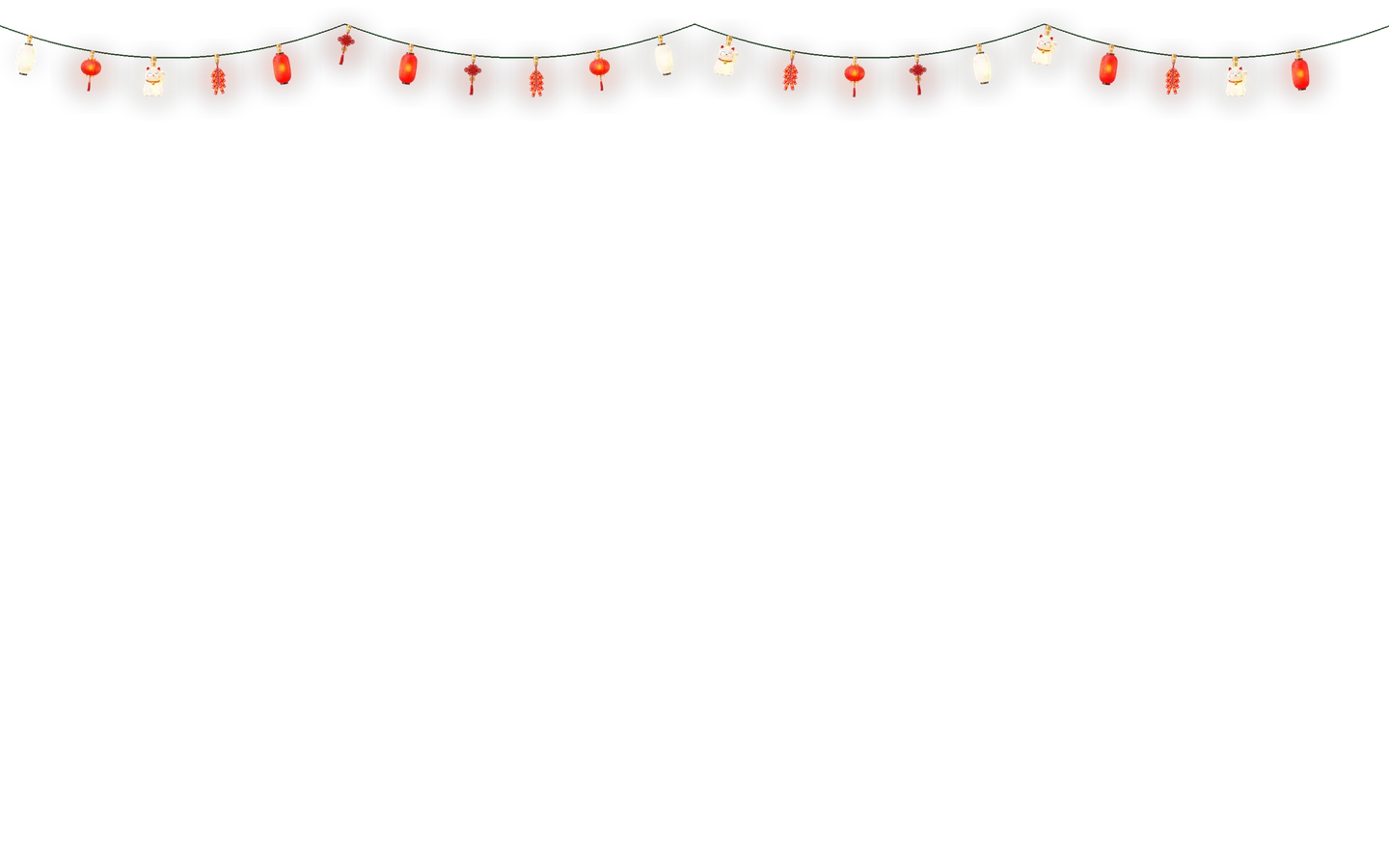
Paper lanterns, a lucky cat and firecrackers twinkle along your screen. Lunar New Year 2027 begins on February 6: pick Lanterns under Seasons whenever you like.



Pick your favorite look
Red lantern, white paper lantern, red paper lantern, lucky cat, coin knot and firecrackers, in four styles. The Lanterns season fits Obon and the Mid-Autumn Festival, too.
- Realistic

- Soft illustrated

- 16-bit

- 8-bit

On your Mac, iPhone, iPad and Android
Mac
Twinkle Lights lives in your menu bar. Pick the season under Seasons, and the lights hang along the top of your screen or run around it as a frame, right over your own desktop.
iPhone and iPad
The lights hang over a painted picture or one of your own photos. On iPhone, Save as Live Wallpaper creates a Live Photo for your Lock Screen that twinkles when your iPhone wakes.
Android
The lights hang over a painted picture, your own photo or a set of photos you pick. Set as Live Wallpaper makes the scene your live wallpaper, so the lights twinkle on your home screen.

Happy Lunar New Year!