For Mac
Christmas lights on your Mac
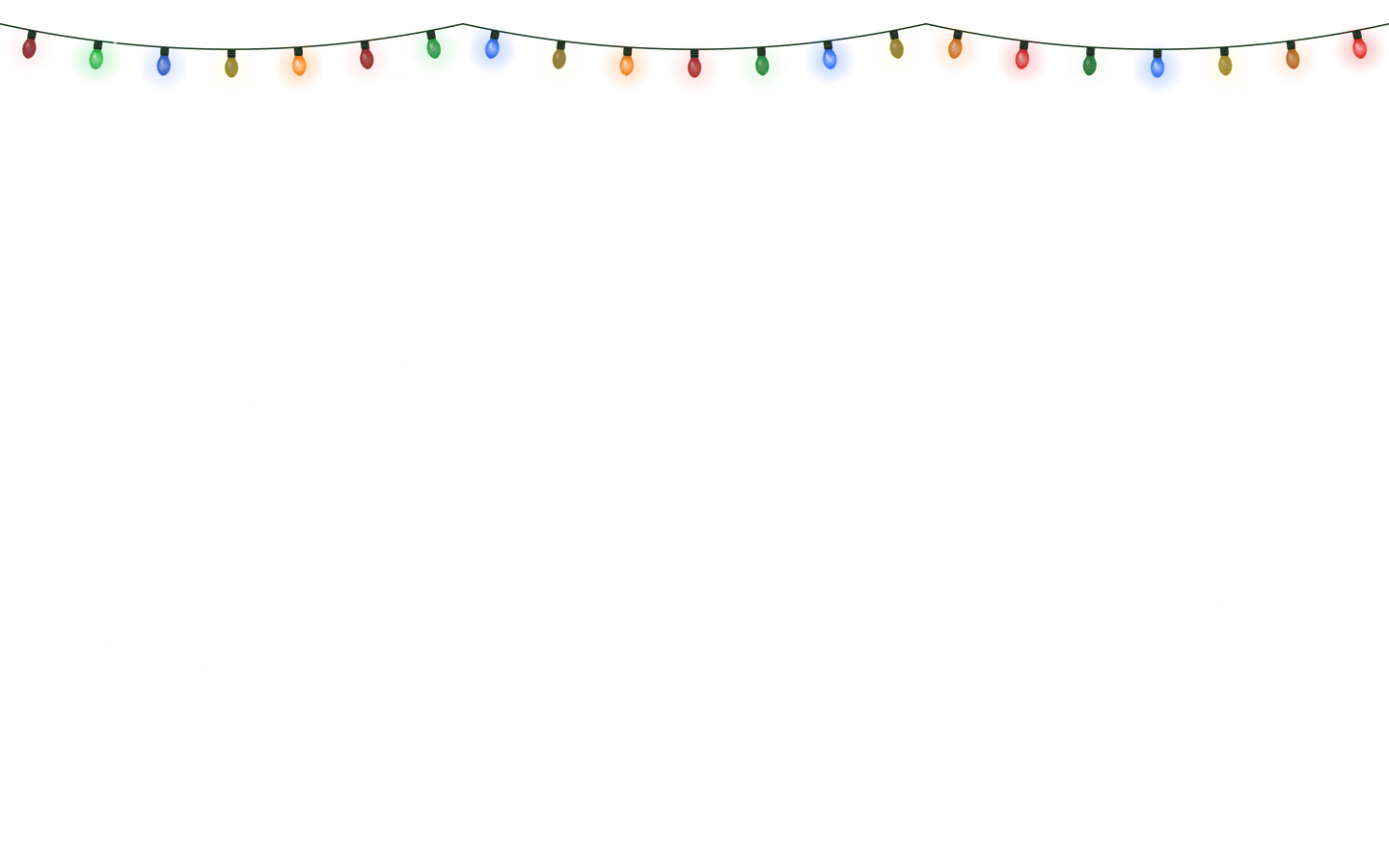
Twinkle Lights hangs twinkling Christmas lights along the top of your screen, under the menu bar, or all around it as a frame. They sit over your own desktop and never catch a click.

How it works
- Open Twinkle Lights: a little bulb shows up in your menu bar, and the lights are on.
- Click the bulb and choose Settings…. Under Seasons, pick Christmas, Christmas figures or White winter.
- On the Strand page, choose Draped for swags under the menu bar or Frame for lights all around.
- Right-click the bulb to hide the lights for a moment, and again to bring them back.
Pick your bulbs
The Christmas season comes in six styles, from Realistic to Retro C9 and Fairy LED. Or hang the Classic, Popcorn or Edison bulbs.
- RealisticChristmas

- Retro C9Christmas

- Fairy LEDWhite winter

- Classic

- Popcorn

- Edison

Even more on your Mac
Let it snow
Snow falls over your desktop and piles up on your windows. Moving a window shakes it off.
Across your displays
In the Frame layout, one strand can follow the outline of your whole desktop, across several displays.
Count the days
The Holiday Countdown widget on your desktop counts down to Christmas.

Light up your Mac for Christmas